Create high-converting forms in 30 secs
Create personalized surveys, quizzes or forms and let artificial intelligence turn your data into valuable insights automatically, simplifying your decision-making.


How top-performing teams use Yay! Forms
Our forms offer a wide range of applications to meet your needs. Whatever your goal, we provide the tools to help you achieve your objectives efficiently.

For your marketing team
Excellent for lead capture
Rely on a variety of tools designed to optimize lead acquisition. With native integrations, you can enrich your lead data and create highly targeted email sequences.
Read incomplete form filling
Even if someone doesn't complete the form, you can still capture the partially entered information. This data can be forwarded to other tools to help recover the sales process.
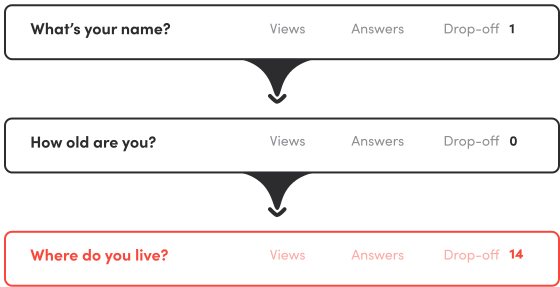
See where they drop off
Improve your form conversion rates by identifying where respondents stop filling them out.
Engaging Quizzes with Feedback via AI
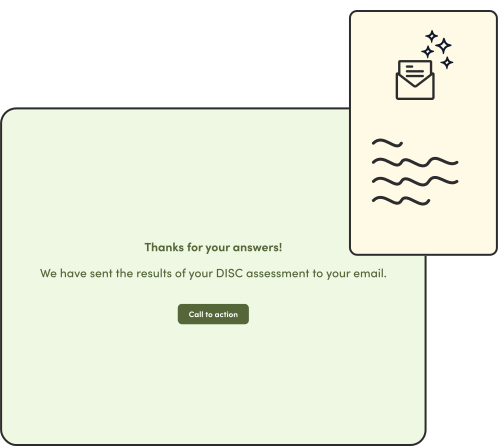
With AI Feedback, you can set up AI generated emails to be sent to your respondents right after they submit a form. The email content is written based on the prompt you provide and the answers provided by the respondent so you can create very engaging quizzes that provides custom results for each individual.
Tracking like a boss
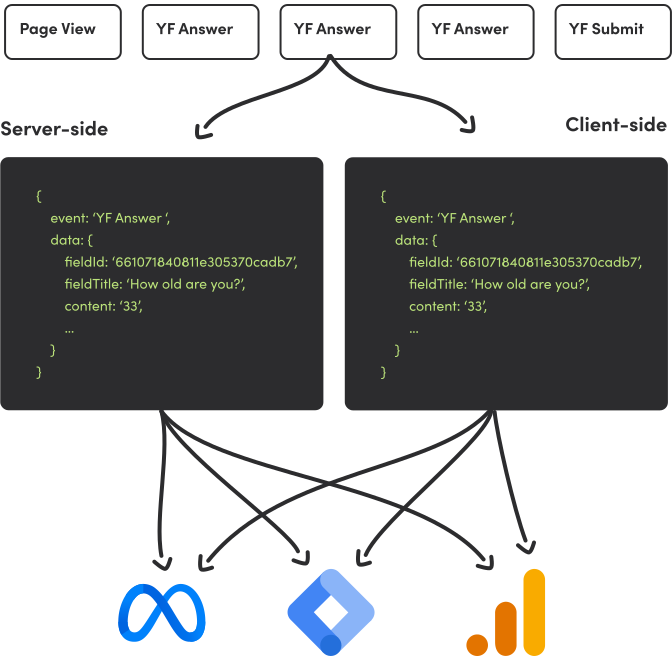
Count with a first-class tracking capability designed for serious marketing professionals. It allows you to easily connect your Meta Pixel, GA4 or GTM account to receive client-side and server-side events with detailed payloads so you can remarket the respondents who dropped off.
For your product team
Get user feedback
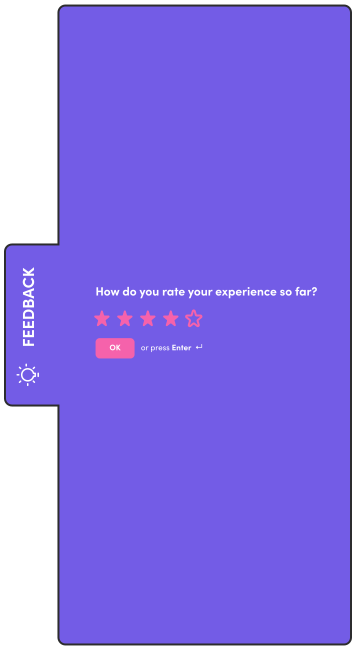
Effortlessly collect user feedback by embedding forms in multiple ways, including using a widget that can sit on any side of your page. This keeps the form accessible without disrupting the user experience, encouraging more responses. You'll quickly gather valuable insights into how users feel about your product, and with real-time analysis, you can take immediate action to improve user satisfaction.
Onboarding new clients
Easily improve your client onboarding by creating personalized, interactive forms that adapt to each user's needs. You'll gain valuable insights into their experience, allowing you to make quick adjustments and ensure a smooth onboarding process. Stay updated with real-time notifications, so you can address any issues as they happen, keeping clients engaged and satisfied from the start.
For your customer success team
Customer Retention
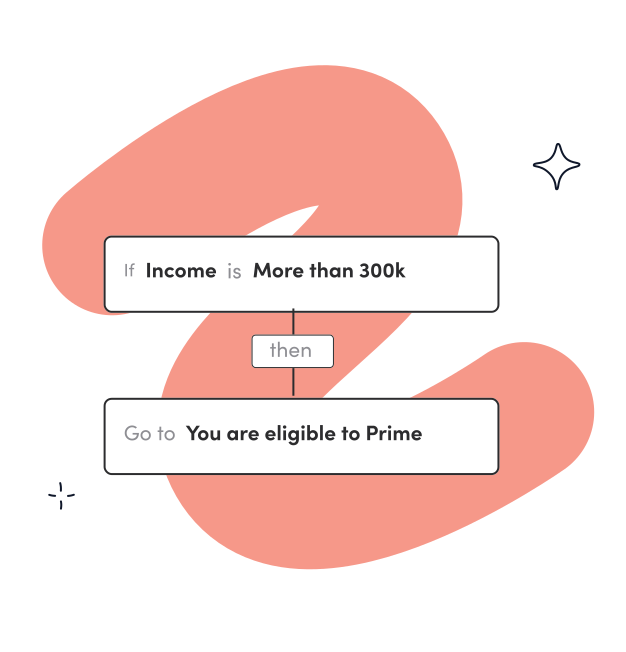
Prevent customer churn by leveraging AI-powered insights to identify at-risk users before they decide to leave. Advanced sentiment analysis helps you detect dissatisfaction early, while tracking the Net Promoter Score (NPS) reveals customer loyalty over time.
Logic Branch
Customize your cancellation form to address the specific issues of each user. For instance, if someone cites price as their reason for leaving, you can offer a discount or an alternative plan.
Multiple ending screens
Design a step-by-step cancellation form and display a tailored final screen with the best offer to retain the customer, based on their responses.
Net Promoter Score
Customer success teams have seen increased retention using NPS to gather feedback through various embedding options—like pop-ups, sliders, and side tabs. These flexible formats make it easy to capture user sentiment directly within your product or site, enabling real-time insights that help teams quickly address concerns, boost satisfaction, and reduce churn.
For your HR team
Organize your HR processes
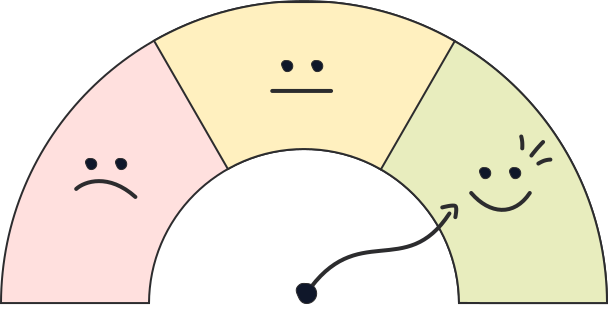
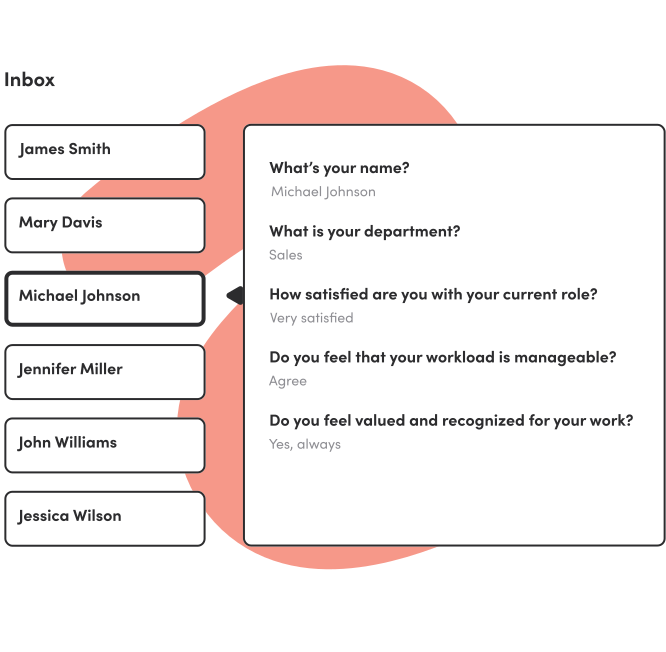
Traditional forms can be frustrating for respondents and HR teams who must repeatedly follow up to get responses. With Yay! Forms, HR teams can create forms that are quick and easy to complete. This is perfect for creating onboarding surveys, exit interviews, performance reviews, employee sentiment surveys, and profile assessments such as DISC evaluations.
Read responses individually
Review employee feedback on an individual basis. This approach helps HR understand specific employee experiences and identify recurring concerns that need to be addressed.
Assessment with AI-generated feedback via email
Help your employees understand their strengths and areas for improvement through AI-generated email feedback based on form responses. This feature is excellent for behavioral profile assessments, performance analysis, and more.
For your research team
AI-Powered Insights
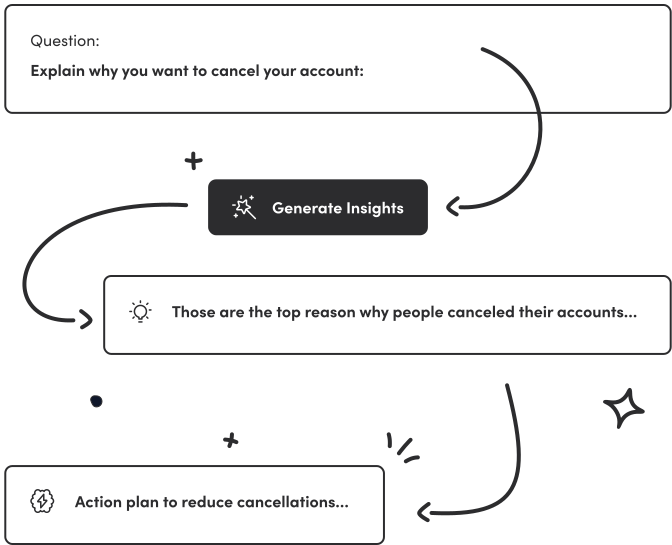
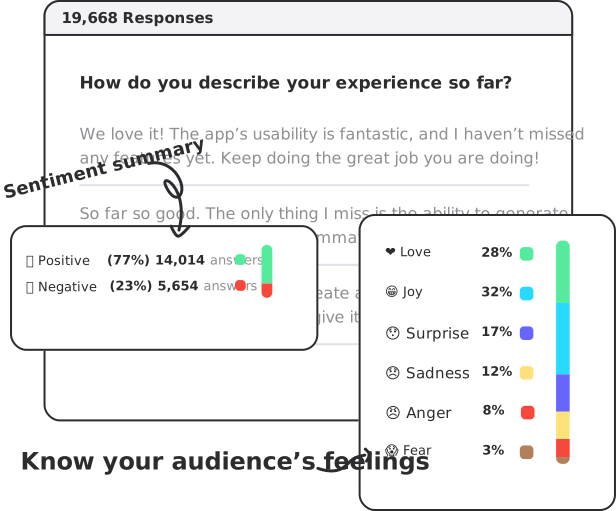
Research teams benefit from AI-generated insights that automatically analyze all survey responses, identifying trends and patterns across large datasets. This feature condenses complex information into clear, actionable summaries, allowing researchers to quickly understand broader findings. It saves time, reduces manual effort, and enhances decision-making by providing a comprehensive overview of collected data.
Emotion and sentiment analysis
Emotion and sentiment analysis allows research teams to uncover deeper feelings behind responses. For example, if a survey on a new product feature receives negative feedback, this tool can reveal that the feedback is driven by frustration, indicating usability issues rather than dislike of the concept itself. This nuanced understanding helps teams prioritize improvements that address the real pain points, leading to more effective product adjustments and improved user satisfaction.
Keyword extraction and text classification
Keyword extraction enables research teams to categorize responses based on common terms and phrases, revealing topics that matter most to respondents. For example, if many survey responses mention "usability," "pricing," or "support," you can quickly identify which areas require focus. Text classification allows you to normalize open-ended answers into categories you define.
For your agency
Branding Customization
Customize the appearance of forms to match each client's visual identity.
Themes
Use one of the many built-in themes or create your own. Customize fonts and colors for the components of your forms.
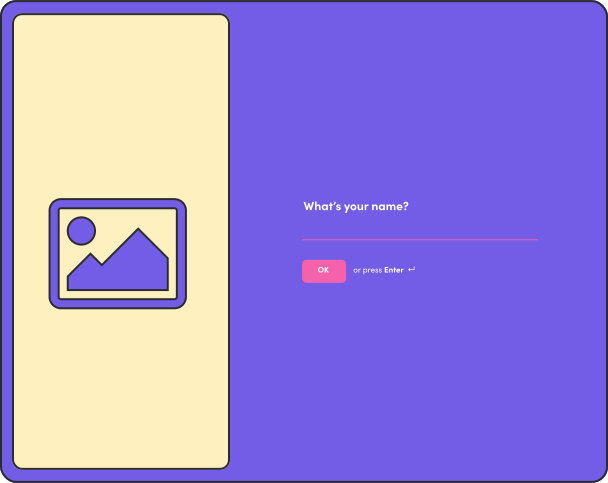
Add image and video
Add your logo or any other brand asset to customize the look and feel of each question.
Work with multiple clients
We offer unlimited users in all plans, which enables you to invite your teammates and clients to specific workspaces. This way, you can organize your or your client's projects into isolated workspaces. One client won't see the projects of another client unless you want to.
Easily integrate with tools you already use
Send your form responses to a spreadsheet, email, or any other tool you already use through integrations that come in the box, or also via Webhook, Zapier, and Make.
Those are some of the main integrations we offer.














Pricing
Starter
Start free trial- 200 form submissions/month
- Unlimited forms
- Unlimited questions
- Unlimited users
- Unlimited workspaces
- AI-powered insights
- Automatic keyword extraction
- Sentiment detection
- Emotion detection
- Customer support
- Drop-off rates
- $9.50/month per 100 additional form submissions (optional)
Plus
Start free trial- 2k form submissions/month
- Unlimited forms
- Unlimited questions
- Unlimited users
- Unlimited workspaces
- AI-powered insights
- Automatic keyword extraction
- Sentiment detection
- Emotion detection
- Customer support
- Drop-off rates
- Remove Yay! Forms branding
- Custom subdomain (yourcompany.yayforms.link)
- Google Analytics integration
- Google Tag Manager integration
- Facebook Pixel integration
- Email feedback to respondents with text generated by AI
- Email notification
- WhatsApp notification
- Slack notification
- $19.50/month per 1k additional form submissions (optional)
Professional
Start free trial- 20k form submissions/month
- Unlimited forms
- Unlimited questions
- Unlimited users
- Unlimited workspaces
- AI-powered insights
- Automatic keyword extraction
- Sentiment detection
- Emotion detection
- Customer support
- Drop-off rates
- Remove Yay! Forms branding
- Custom subdomain (yourcompany.yayforms.link)
- Google Analytics integration
- Google Tag Manager integration
- Facebook Pixel integration
- Email feedback to respondents with text generated by AI
- Email notification
- WhatsApp notification
- Slack notification
- $39.50/month per 10k additional form submissions (optional)
- Custom domain (yourcompany.com): $25/month (optional)
Starter
Start free trial- 200 form submissions/month
- Unlimited forms
- Unlimited questions
- Unlimited users
- Unlimited workspaces
- AI-powered insights
- Automatic keyword extraction
- Sentiment detection
- Emotion detection
- Customer support
- Drop-off rates
- $9.50/month per 100 additional form submissions (optional)
Plus
Start free trial- 2k form submissions/month
- Unlimited forms
- Unlimited questions
- Unlimited users
- Unlimited workspaces
- AI-powered insights
- Automatic keyword extraction
- Sentiment detection
- Emotion detection
- Customer support
- Drop-off rates
- Remove Yay! Forms branding
- Custom subdomain (yourcompany.yayforms.link)
- Google Analytics integration
- Google Tag Manager integration
- Facebook Pixel integration
- Email feedback to respondents with text generated by AI
- Email notification
- WhatsApp notification
- Slack notification
- $19.50/month per 1k additional form submissions (optional)
Professional
Start free trial- 20k form submissions/month
- Unlimited forms
- Unlimited questions
- Unlimited users
- Unlimited workspaces
- AI-powered insights
- Automatic keyword extraction
- Sentiment detection
- Emotion detection
- Customer support
- Drop-off rates
- Remove Yay! Forms branding
- Custom subdomain (yourcompany.yayforms.link)
- Google Analytics integration
- Google Tag Manager integration
- Facebook Pixel integration
- Email feedback to respondents with text generated by AI
- Email notification
- WhatsApp notification
- Slack notification
- $39.50/month per 10k additional form submissions (optional)
- Custom domain (yourcompany.com): $25/month (optional)
Questions & answers
Yes! You have 7 days to try it for free and keep your account if you like it. Otherwise, you can cancel it at any time.
You can cancel your account without contacting us. Simply log in, click your name at the top of the page, then select Security. From there, you'll find the option to cancel your account.
You will receive an email notification in advance when your account is approaching the response limit. To ensure your form continues receiving responses, you have two options:
1. Upgrade to a plan with a higher response limit.
2. Enable the "additional responses" add-on, allowing your form to keep receiving responses even after reaching the plan limit. In this case, an additional fee will be charged based on the number of extra responses and your selected plan.
For more details, check our pricing table.
Yes! You can enable the "additional responses" add-on to continue receiving responses beyond your plan's limit. You'll be charged based on the number of extra responses received.
Yes! You can add as many teammates as you want and distribute them among their respective workspaces so they can only see and edit the forms of their department. For example, you can define that the marketing team has access to the "Marketing workspace," while the HR team can only see and edit the "HR workspace", well you got it ;).
Yes! Just contact our support and we will be happy to migrate the forms for you.